
Starter
A great way to get started.
500 Credits
$4.90
- Shared across all five AI tools
- One-time credit purchase
- Purchased credits do not expire
Choose AI image editing credits for upscale, enhance, restore, expand, and edit tasks, using one shared credit balance.
One-time credit packs. No subscription required.
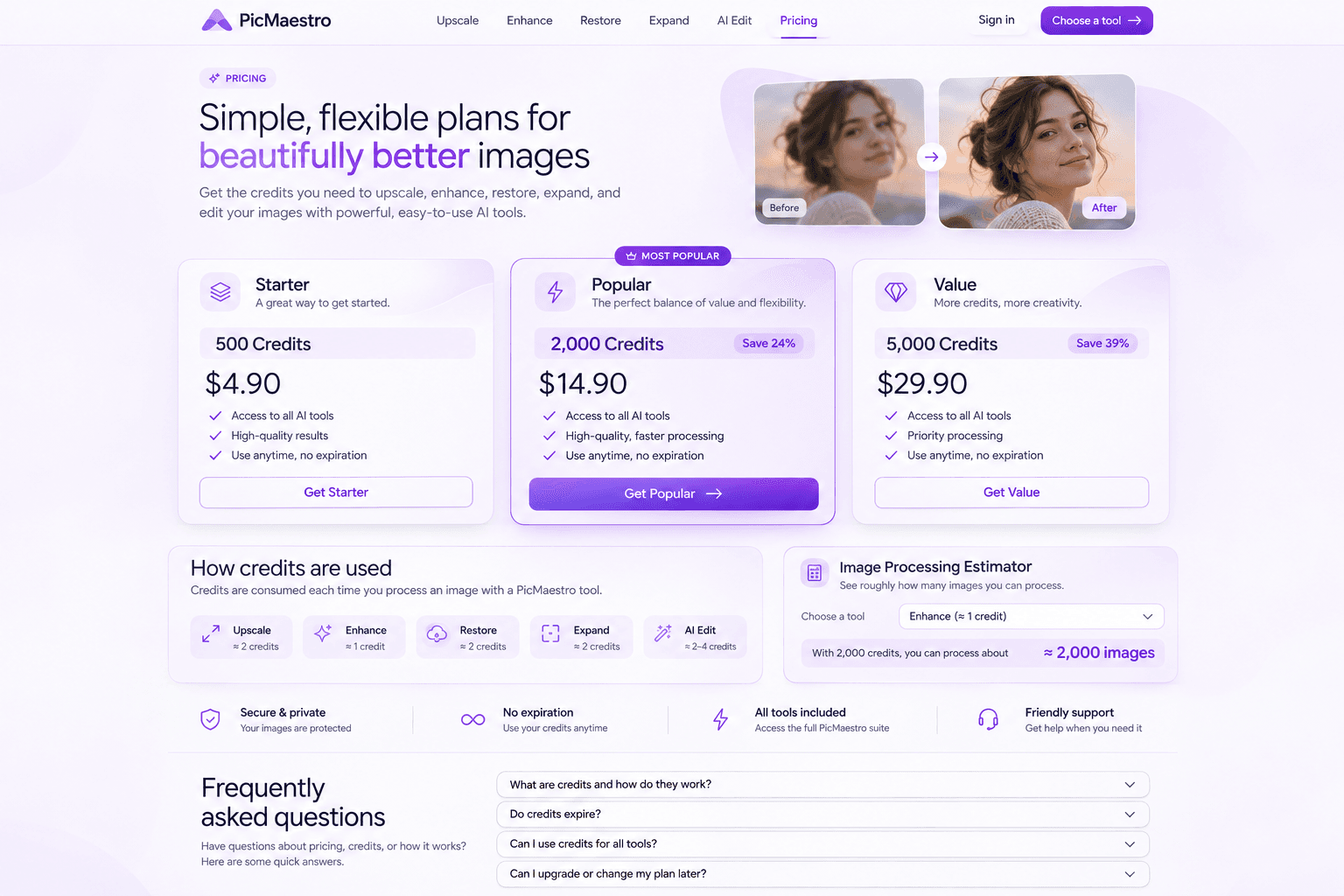
A great way to get started.
The perfect balance of value and flexibility.
More credits, more creativity.
Savings are compared with the per-credit price of the Starter pack.
Review the exact cost before confirming a job. Credits are reserved when it starts and consumed after successful processing and saving.
Know the exact credit cost before you start.
Credits are held while your image is processed.
Only completed jobs consume credits.
No hidden charges. Your exact credit cost is always shown before processing.
See roughly how many images you can process.
Based on a 1000 × 1000 output. The workspace determines the actual output dimensions before quoting.
2,000 credits ÷ 10 credits per image, rounded down.
Pricing examples do not guarantee mode availability. Actual credits and supported settings are confirmed before processing.
Estimates use the settings shown. Larger outputs and advanced modes may use more credits. Your exact cost is shown before processing.
Have questions about pricing, credits, or how it works?
Here are some quick answers.
PicMaestro uses flux-pro, nano-banana and gpt-image-2.6 as public labels for its AI image workflows. These are service labels, not a promise that a particular underlying model or provider handles every request. Check each tool for available features and settings.
Credits are your shared balance for image processing. Each job has a quote based on its tool and settings. Confirming a job reserves that amount; saving a result that passes quality checks consumes it. Results with quality warnings are provided free and their reserved credits are released. Reserved credits are unavailable for other jobs while the task is pending. Local previews do not spend credits.
The listed packs are one-time credit purchases, not monthly plans. There is no automatic renewal or recurring subscription charge. Each pack adds a specified number of credits to your account after payment is verified. Purchase availability is shown on each card; a disabled button means checkout is not currently open.
Purchased credits have no expiry date under the current credit rules. Eligible welcome credits also have no expiry date, but they are a separate registration grant rather than a purchase. Saved creation images stay in your workspace until you delete them and do not expire based on age.
Yes. Upscale, Enhance, Restore, Expand and AI Edit use one shared account balance. A credit pack is not tied to a single tool, and each generation uses credits at that tool’s quoted rate. Access to a particular processing mode still depends on its current availability and supported image limits.
The amount depends on the tool and settings. Upscaling considers the multiplier and output-pixel tier; enhancement considers output dimensions. Restoration, expansion and editing have mode-based prices. Use the estimator for the labeled examples, then review the workspace quote for your actual image. A new generation requires a new quote.
Requests rejected before a job is accepted do not reserve credits. Accepted jobs reserve credits until resolved. Confirmed processing failures, final saving failures or confirmed cancellations release the reservation. A timeout, unknown provider status or cancellation request alone may leave credits reserved while the outcome is checked. Re-downloading an available result does not charge again.
When checkout is available, you can buy another one-time pack using the same account. Verified purchases add credits to your existing balance; there is no subscription upgrade. Review the pack and final checkout total before paying. Purchase history shows payment and credit-delivery status, including orders that still need verification.
Refunds and payment issues · Purchase history. Final checkout totals may include applicable taxes.