
A better fit for larger layouts
Enlarge photos for presentations, creative projects and personal prints while keeping the original composition.
Enlarge low-resolution photos with AI. Choose an available 2×, 3×, 4× or 8× scale, compare the details, and download the result that works for you.
JPG, PNG, WebP · Explore before signing in


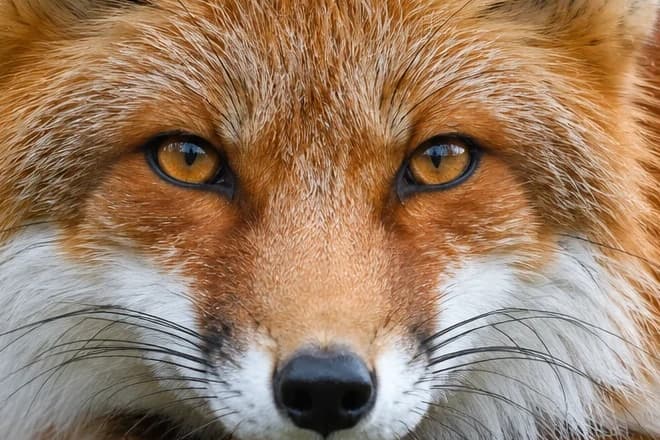
Illustrative comparison, not a verified AI output. The same fox crop is shown at reduced resolution and original reference detail.
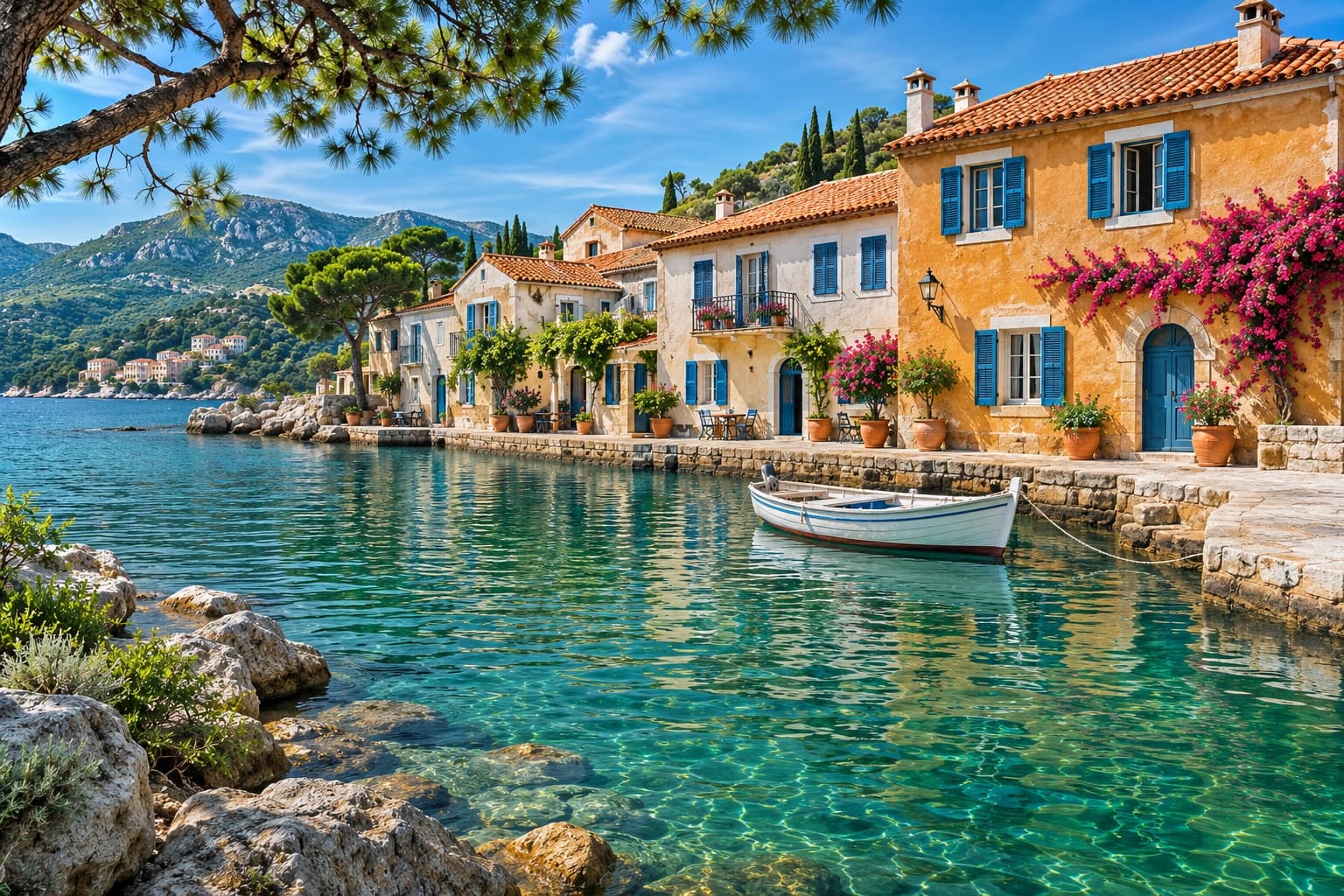
Turn smaller photos into larger, higher-resolution images for presentations, creative projects and personal prints. Choose your upscale factor and compare the result before downloading.
Enlarge photos for presentations, creative projects and personal prints while keeping the original composition.
Select an available 2×, 3×, 4× or 8× scale. Review the output dimensions before processing; 8× also requires verified service support.
Inspect edges, textures and fine details alongside the original image. Download the result that best fits your needs.
A separate original. A clear quote. A result you can compare.
Upload a JPG, PNG or WebP, or explore an illustrative sample to get familiar with the workspace.
Choose your upscale factor, check the output dimensions and review the exact credit quote before processing.
Inspect the result alongside your original, then save your enlarged image as PNG or JPG.
Everything you need for a thoughtful first step.
Explore pricing & creditsAn AI image upscaler increases an image’s pixel dimensions and infers detail as it enlarges it. PicMaestro lets you choose 2×, 3×, 4× or 8×, subject to output limits. AI cannot guarantee recovery of details that were never captured.
Each factor multiplies width and height, not total pixels. For an 800 × 600 px original: 2× = 1600 × 1200; 3× = 2400 × 1800; 4× = 3200 × 2400; 8× = 6400 × 4800 px. These are dimension calculations, not quality guarantees. Available outputs depend on pixel and side-length limits; 8× also requires verified service support. Check the workspace before processing.
Upload a static JPG, PNG or WebP photo up to 10 MB, 4 megapixels and 4096 pixels per side. Animated files, HEIC, RAW and images with transparent pixels are not supported. Your image must also fit the current 2× output limit to load in the workspace.
Upscaling increases image dimensions and resolution. Photo enhancement focuses on lighting, color and clarity. Choose AI Photo Enhancer for tonal refinement, or Upscaler for a specific enlargement factor. To add scenery beyond the original frame instead of enlarging the existing composition, use AI Image Extender.
Yes. You can explore illustrative samples and prepare a local image preview before signing in. Samples are demonstrations, not verified AI results. Processing your own image requires an account, available service and enough credits for the quoted task.
The workspace shows the exact credit cost for your selected scale and output dimensions before you confirm a task. All PicMaestro tools share one credit balance. Re-downloading a saved result or changing its export format does not run another AI task.
Your uploaded original is not overwritten; upscaling creates a separate result. AI may reconstruct or change textures, faces and lettering in that result, so compare important areas before downloading. More pixels do not guarantee accurate recovery of missing detail or pixel-for-pixel fidelity to the original.
Start with a photo. Choose how much further to take it.