
Start with your photo
Choose a tool and upload your image. Explore your options while your original stays separate.
Edit, enhance, upscale, restore, and expand your photos with AI. Explore five online image editing tools in one creative studio.
Explore samples without signing in.
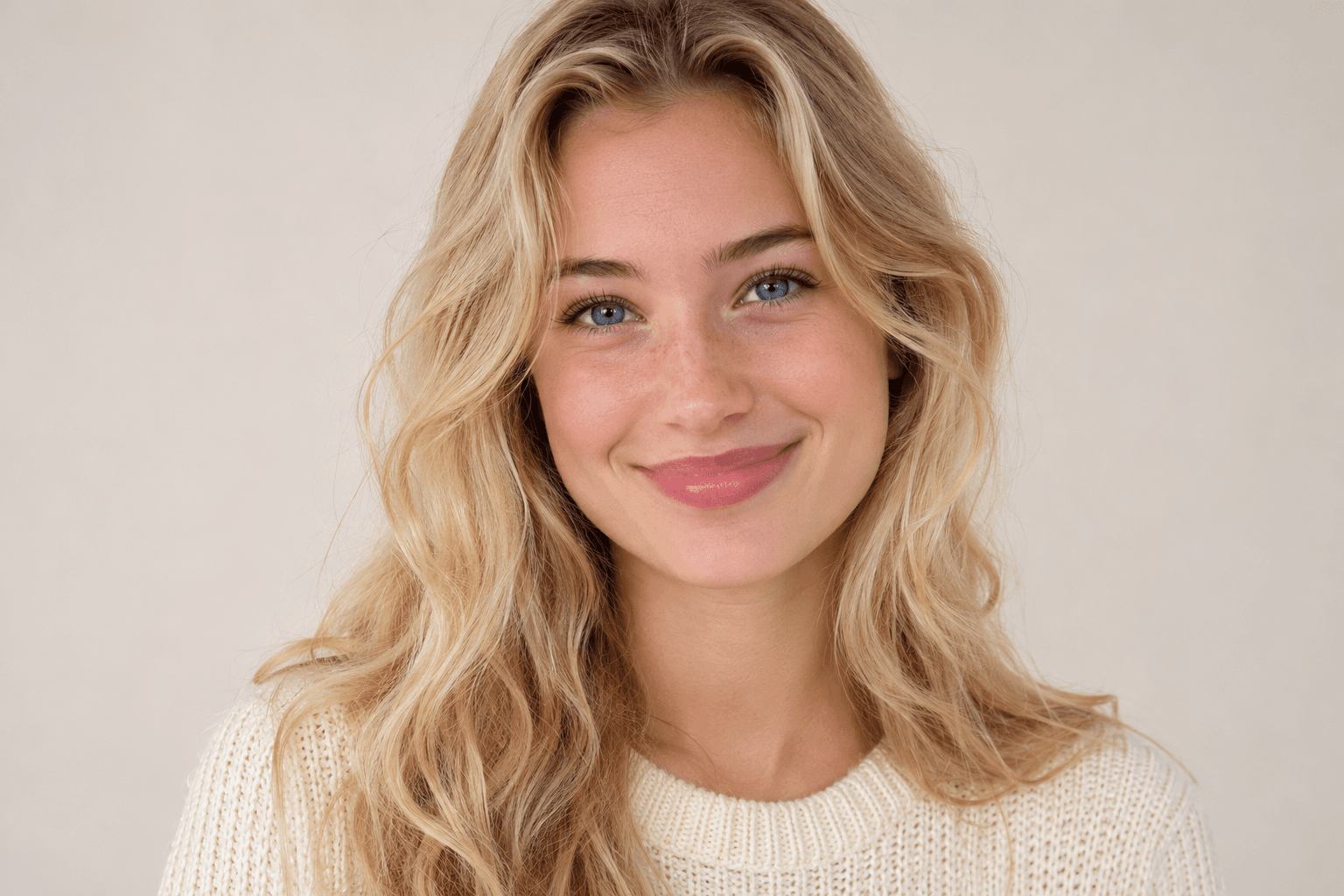
Soft-focus preview and sharp reference of the same portrait.
Upscale photos, enhance image quality, restore old photographs, expand the frame or make creative edits. Choose the right tool for your image.
These reference images show the kinds of changes you can explore.
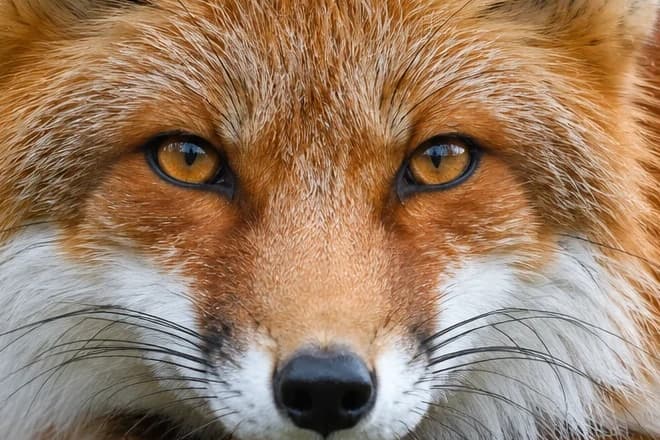
Enlarge low-resolution images with 2×, 3×, 4× or 8× AI upscaling. Choose a scale and compare finer details before downloading.
Upscale an image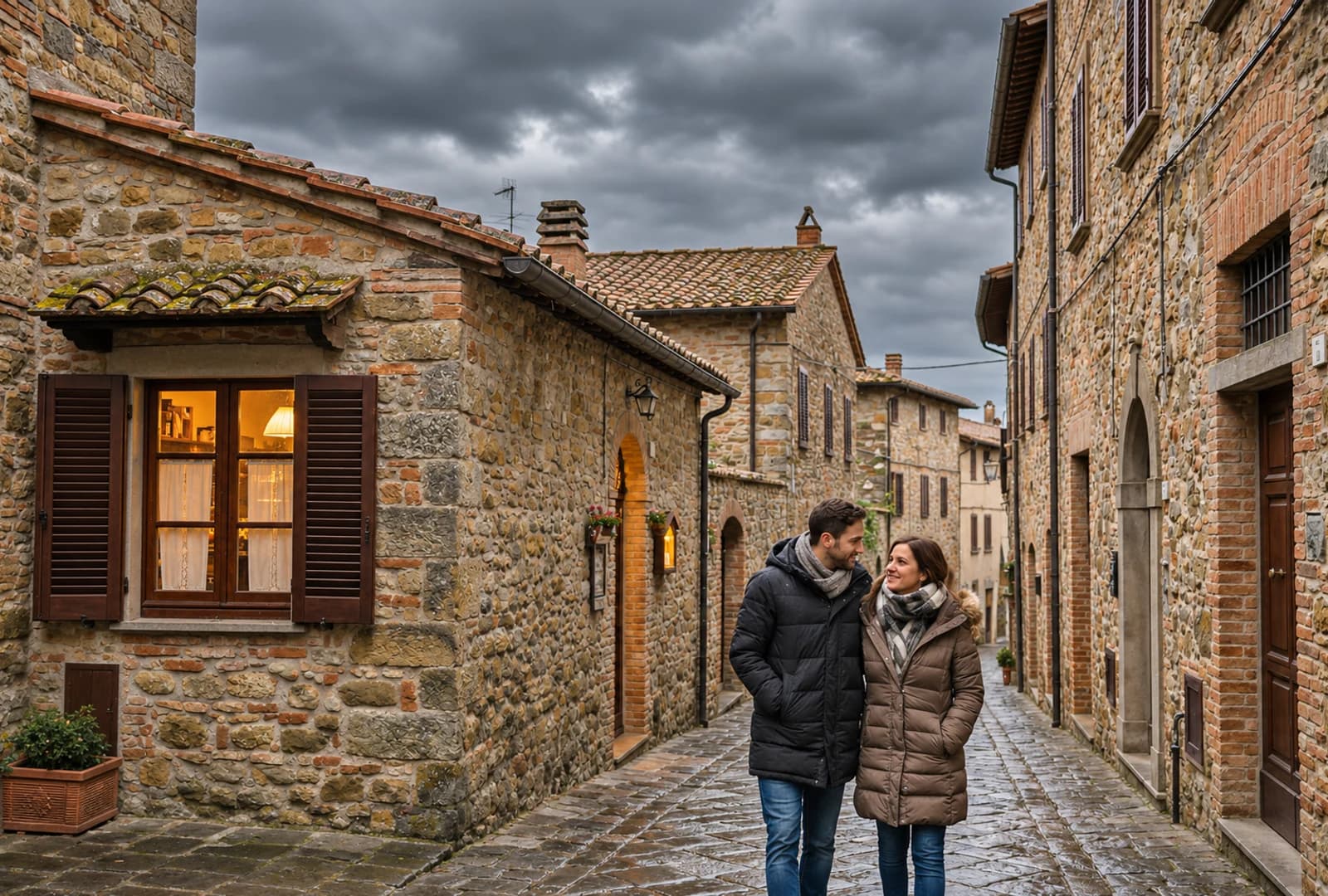
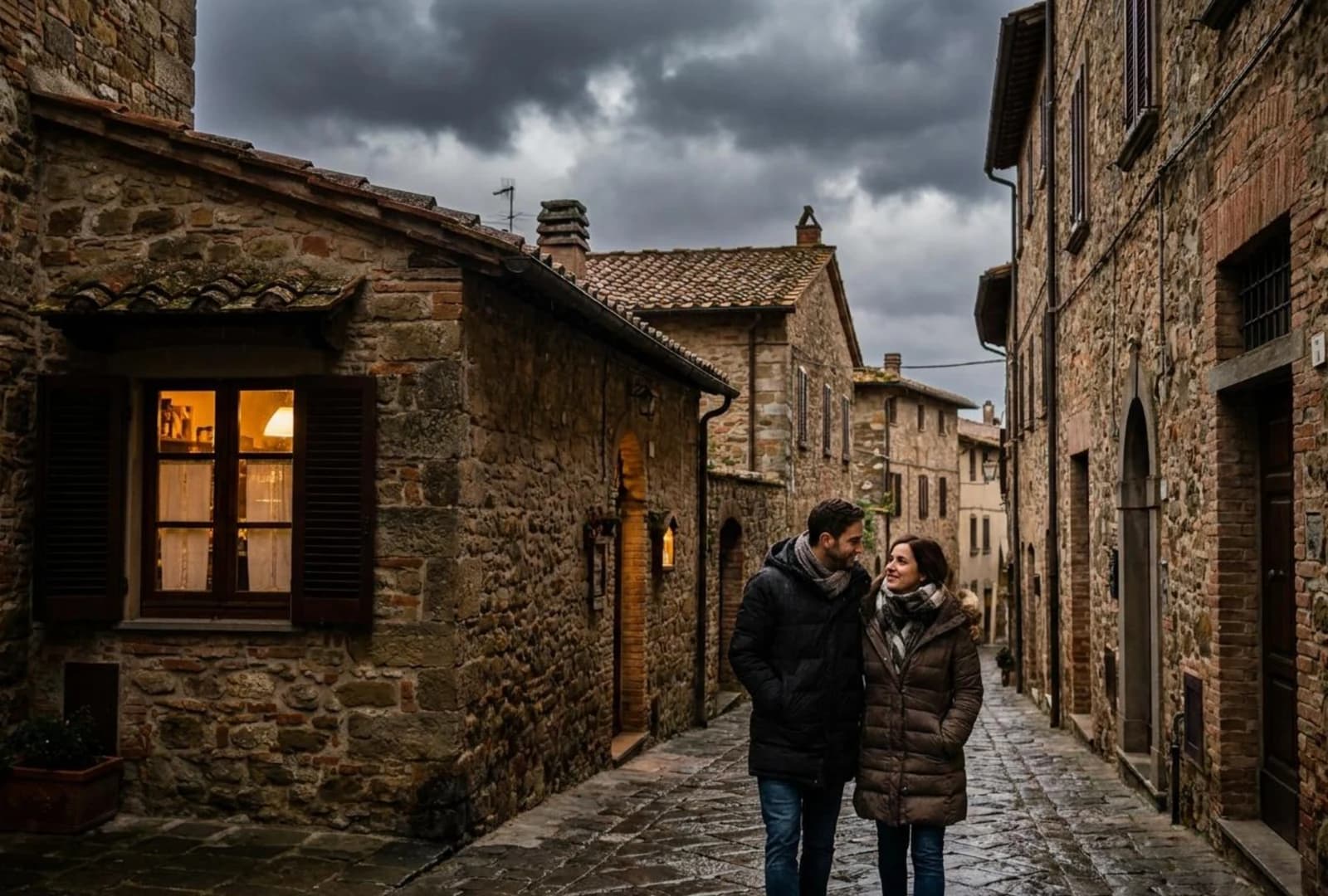
Improve lighting, color and clarity with AI photo enhancement. Give everyday photos a cleaner, more polished look.
Enhance a photo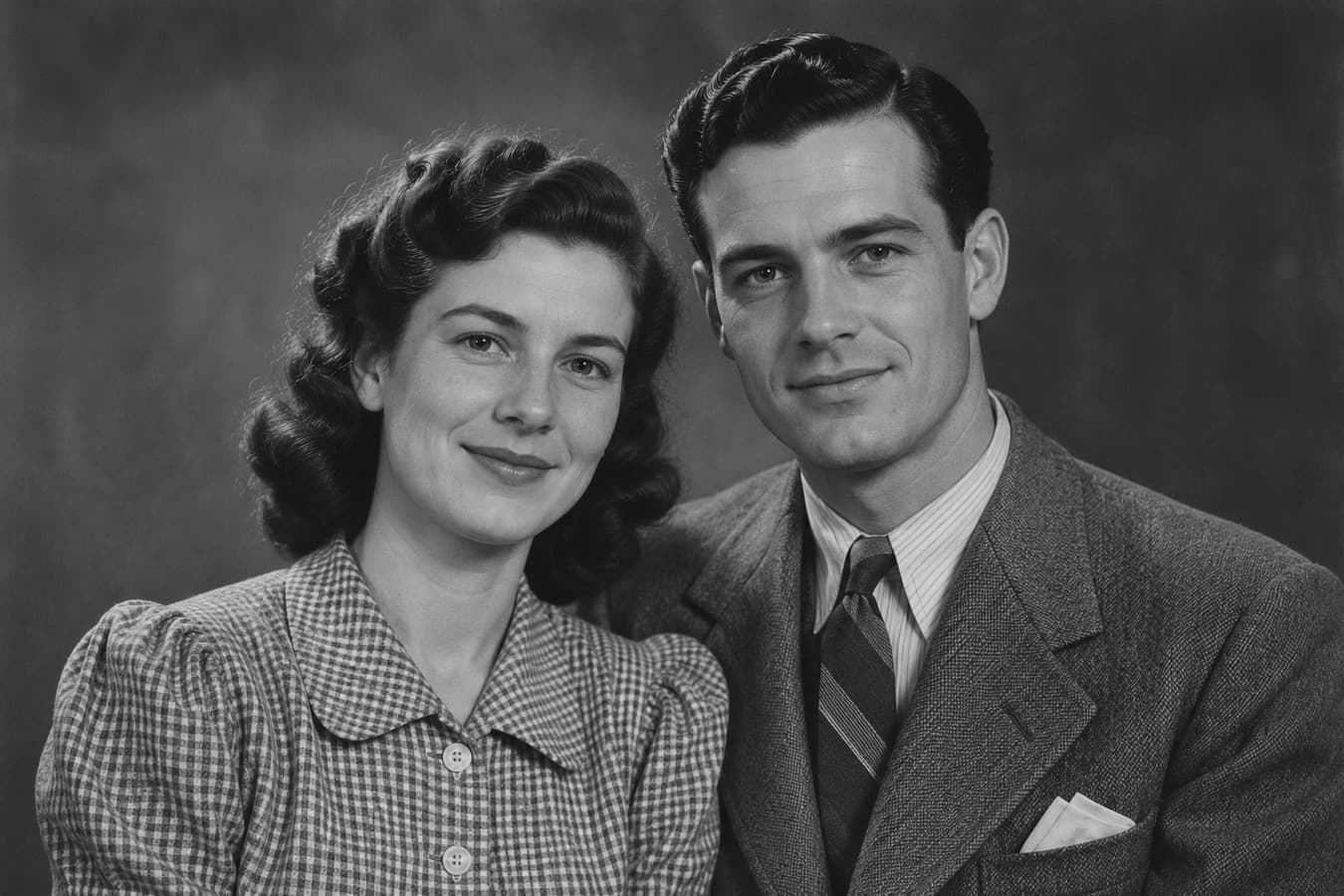
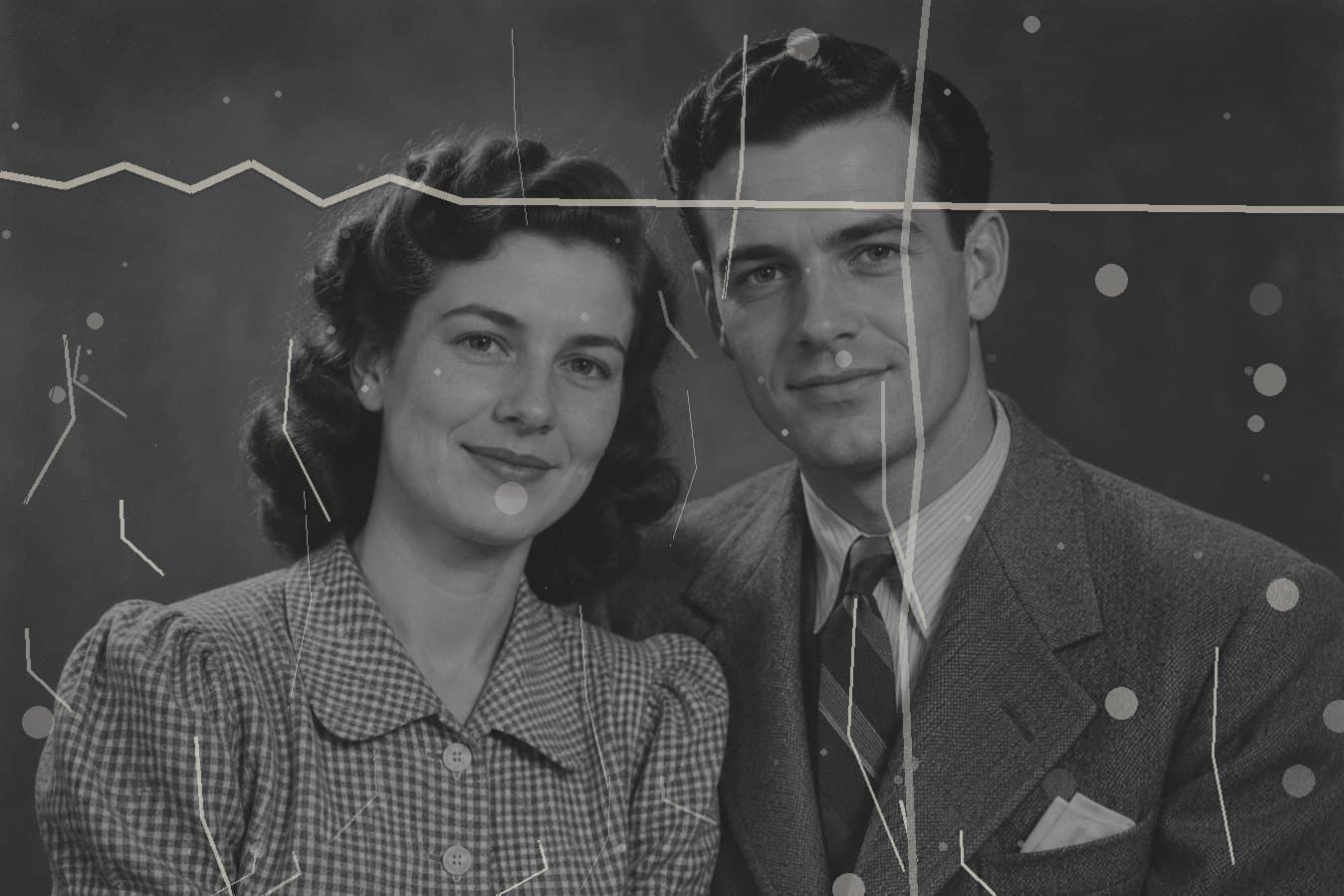
Repair visible scratches and creases in old photographs. Compare the restored details while keeping your original photo separate.
Restore a memory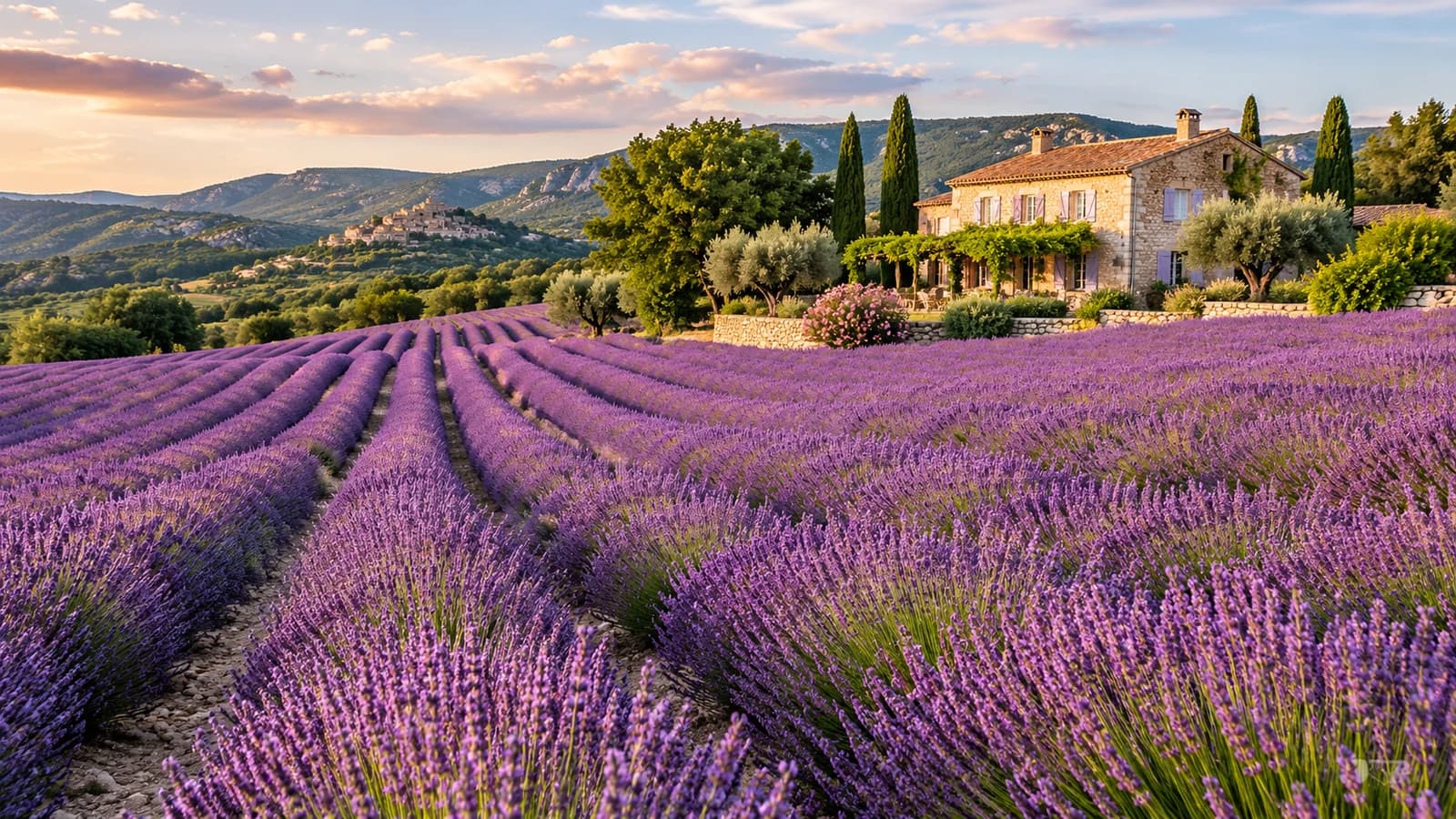 Original Area
Expand images beyond their original boundaries with AI. Create more room around your subject without cropping the original composition.
Expand the canvas
“Change the background to a dreamy sunset scene”
Describe creative changes to your image, refine selected areas or edit the whole scene. Review each new version before saving.
Explore AI editingA familiar workflow, whichever tool you choose.
Choose a tool and upload your image. Explore your options while your original stays separate.
Adjust the settings and review the credit cost before starting an available AI task.
Compare the result, check the important details and download the image you want to keep.
Have a look before you create.
Explore pricing & creditsPicMaestro brings together AI Image Upscaler, AI Photo Enhancer, Old Photo Restoration, AI Image Extender and AI Image Editor. Choose a tool for the change you need, then preview your photo and review the available options. All five tools share one account and credit balance.
Upscaling increases pixel dimensions using a selected 2×, 3×, 4× or 8× scale, subject to output limits. Photo enhancement focuses on lighting, color and clarity; its output dimensions may change. Choose Upscaler for a specific enlargement factor and Enhancer for general photo refinement.
Old Photo Restoration can repair visible scratches and creases. Results depend on the damage, and heavy tears or missing details may remain or be reconstructed differently. Keep your original photo and inspect faces, textures and other important details before using the restored version.
Use AI Image Extender to choose a larger canvas and position your original photo within it. AI generates surroundings beyond the original boundaries, adding room around your subject. Review the generated edges and details before exporting; new scenery is inferred rather than recovered.
AI Image Editor supports selected-area editing as well as whole-image changes. Mark the area you want to change and describe the edit, then review the available processing options. Compare each new version with the source, especially around selection edges and important details.
Yes. You can browse reference examples and prepare a local photo preview before signing in. Reference comparisons illustrate possible changes and are not verified product outputs. Processing your own photo requires an account, an available service and enough credits for the quoted task.
All five tools use one shared credit balance. The workspace shows the cost for your chosen options before you confirm a task. Another AI processing step requires a separate quote and confirmation. Re-downloading a saved result or changing its export format does not start another AI task.
Choose a tool. Make your next possibility.